I can't recommend which Bluetooth will definitely work, but I'm using a MacBook and here is what I have.
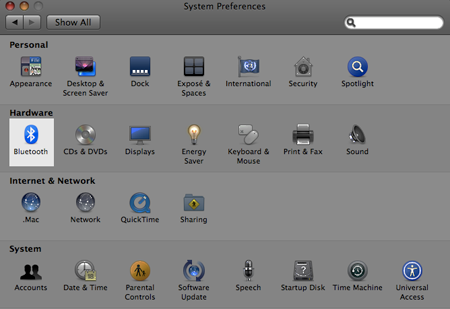

If you have a problem connecting yours, you might want to check this out.
After you got the WiiMote Whiteboard software installed, you will get a folder that looks like this.
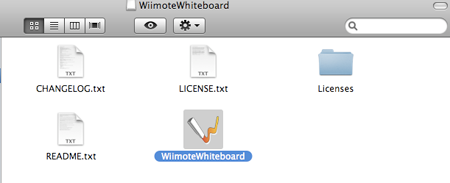
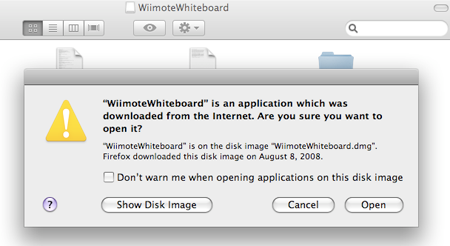
double clicks on the icon and click open
After you opened the software, hold 1&2 button on your Wii Remote.
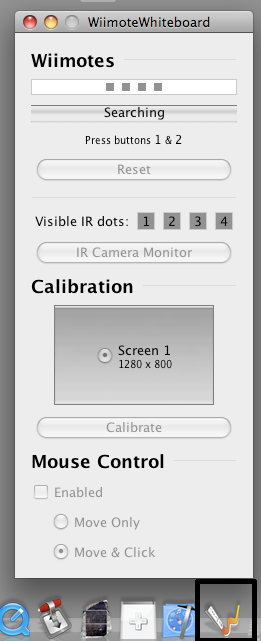
until it gets connected

If you got a list of error message, just quit and open the application again.
Then, use your IR pen to calibrate the screen (each dot at a time).
The calibrate window will disappear after you got all four dots calibrated.
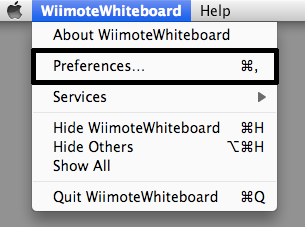
If you want to do double-click, go to preferences ---> Mouse Control ---> Assist Double Clicks